Samsung Clock Free 57.60 MB 12.5.60.27
You can now download the App For Free.
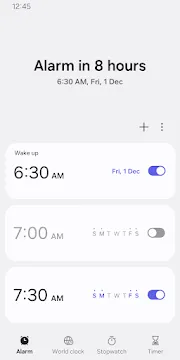
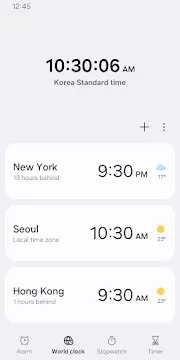
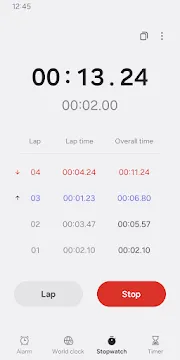
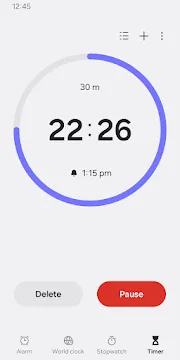
Samsung Clock is the primary time management tool for millions of Galaxy users. It goes beyond a simple alarm by providing a complete suite of features for daily organization. You can manage world time zones, track laps, and set precise countdowns with ease. The app is built to work... Read more
Screenshots
How To Install APK Files On Android Devices
APK stands for Android Package Kit, and it’s basically a way to install apps on your phone without using the Play Store.
Enabling Unknown Sources:
- Open Settings on your Android device.
- Tap on “Security” or “Apps & notifications” (depending on your Android version).
- Find the setting called “Unknown sources” and toggle it on.
- You might see a warning message – that’s okay, just tap “OK” to confirm.
Installing the APK:
- Download your APK file from a trusted source.
- Open your device’s file manager app (like “Files” or “Downloads”).
- Tap on the downloaded APK file.
- You’ll see a prompt asking you to confirm the installation. Tap “Install”.
- The app will start installing. It might take a few minutes depending on the size of the app.
- Once it’s done, tap “Open” to launch the new app!
With these steps, you can easily install APK files on your Android device.